


University Brand Guidelines: Templates
You can now easily add your new signature to Outlook. Follow these simple steps to integrate it into your email application.
- Open your Outlook email.
- Select File>Options>Mail>Signatures
- Select New.
- Then give your new signature a unique name and click okay.
- Press Control+V to paste your updated signature into the Edit Signature field. For best results, select Keep Source Formatting.
- Under Choose a default signature, select your new signature under 
Mac
You can easily set up your ETAMU email signature on your Mac. Begin by generating your signature, then follow these steps to add it to Outlook.
- Click OK.
Mac
You can easily set up your ETAMU email signature on your Mac. Begin by generating your signature, then follow these steps to add it to Outlook.
Complete the email signature generator
- Click the email signature generator.
- Fill in the form on the left (grey highlighted areas are required).
- When you have filled out the required areas on the form, click Copy to Clipboard at the bottom of your new signature.
Add your new signature to Outlook
You can now easily add your new signature to Outlook. Follow these simple steps to integrate it into your email application.
- Open your Outlook email.
- Select Outlook > Settings > Email > Signatures at the top of your screen.
- When a grey box pops up, select + to add a new signature.
- A blank page will pop up. Press Command+V to copy your new signature from the Clipboard to the blank page. For best results, select Keep Source Formatting.
- Select File > Save to save your new signature.
- In the grey box, double-click your new signature name under the signature name heading (It will say “untitled”) and type in a distinct name for your new signature.
- In the grey box under Choose a default signature, select your new signature name (from #9 above) under the drop-down menus for “new messages” and “replies/forwards.”
- After that, exit the grey box by clicking the red X in the top left corner.
Powerpoint Templates


Letterhead
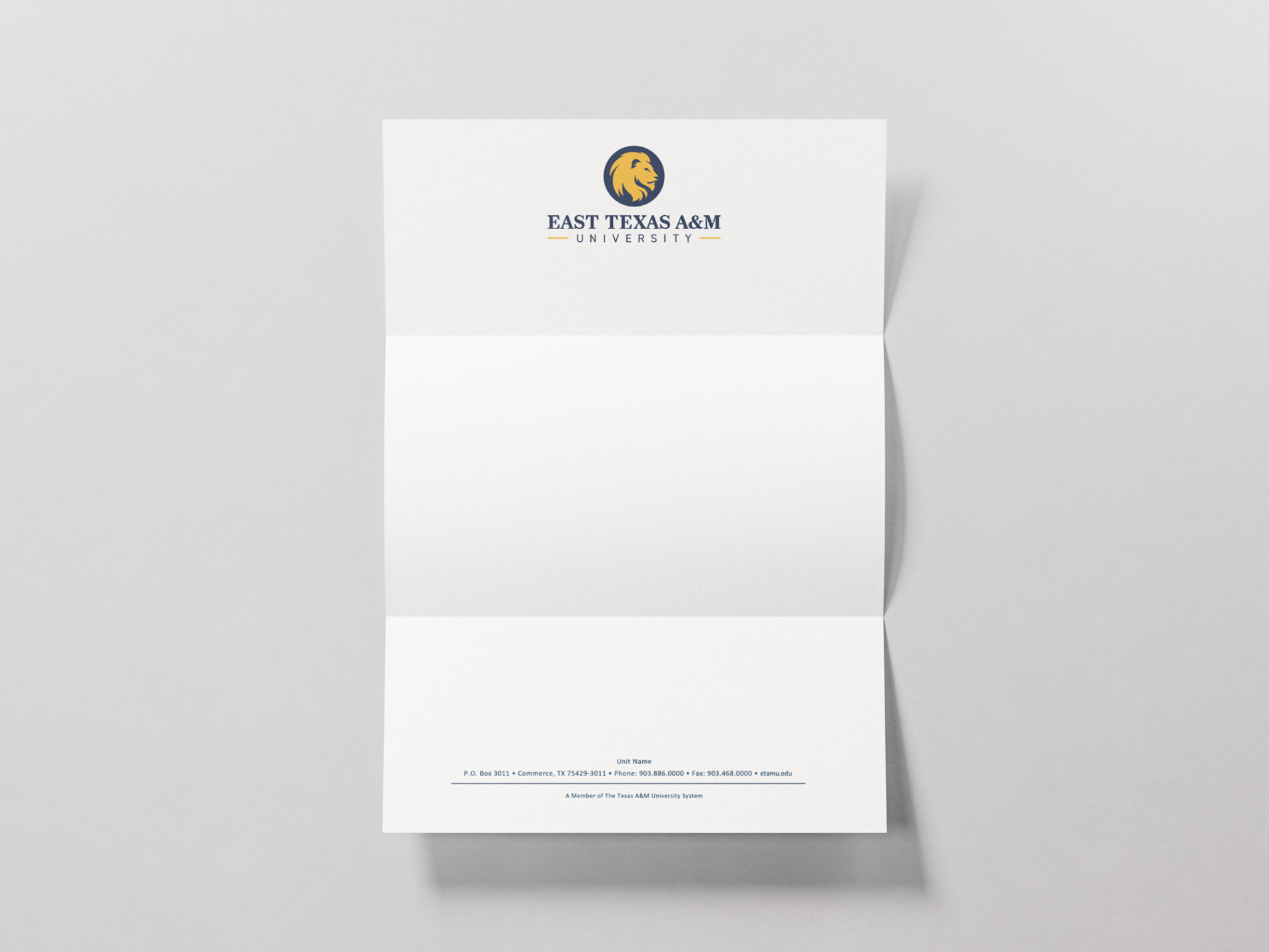
Stationery can be customized to include your unit’s name and contact information. To start a print order, contact Marketing Services, Latson's or Personalized Printing. Use the Microsoft Word template for creating official PDFs.
CV Template
While it is not required to use the suggested CV template, please note the use of a retired logo on your university CV is out of compliance with our current brand guidelines.
Zoom Backgrounds

















Social Media Profile image
When creating avatars, we recommend using the following templates. If you choose not to use this template, follow all logo use guidelines outlined in this document. Only the main ETAMU and athletic channels should use the lion head by itself.
Profile and Feed Views


Choose photos or illustrations that uniquely represent your area.


Or you may use the name of your unit or organization.


When appropriate, abbreviate or use an acronym.


Or you may shorten the name and use title caps.
Email Signature
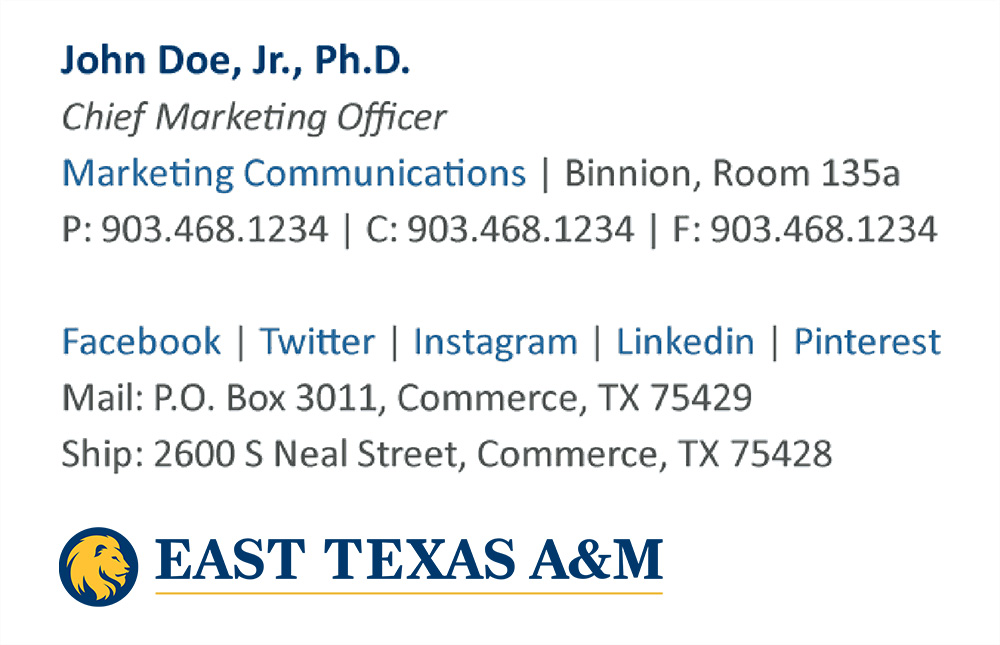
We've designed a template that creates a more consistent university-wide email presence while also allowing individuals to customize the amount of information they include. Keep in mind our email signature best practices while deciding what you need to include, which can be found below.
Signature Best Practices
An excessively long email signature can add unnecessary burden to email threads. Keep it short and simple. Include only essential information that people need on a daily basis. Also, be thoughtful when you use an email signature. It is not needed on every email. Add it to all emails intended for external audiences, but only add it to the first email when communicating with on-campus audiences.
- ADDRESSES: Do not include a street address or building information unless you frequently host visitors. Do not include a mailing address unless it is frequently requested.
- EMAIL: Do not include your email address. It is already included in your email message.
- FAX: Do not include fax numbers unless you frequently receive faxes.
- COMMITTEES: Do not include any committees or positions you hold outside of ETAMU.
- SOCIAL MEDIA: Do not include personal social media accounts. Instead, include university accounts.
- LOGOS: Do not include unit logos.
- CLAUSES: Do not include extra statements such as scheduling appointments, links to downloads or member statements.
- QUOTES: Do not include quotes. They may be perceived as university-wide statements and beliefs.
Windows
If you are using a Windows computer, here’s how to generate and add your official ETAMU email signature.
Complete the email signature generator
- Click the email signature generator.
- Fill in the form on the left (grey highlighted areas are required).
- When you have filled out the required areas on the form, click Copy to Clipboard at the bottom of your new signature.
Add your new signature to Outlook
Once you have generated your signature, you can easily add it to your Outlook email client. Follow these instructions to complete the setup.
You can now easily add your new signature to Outlook. Follow these simple steps to integrate it into your email application.
- Open your Outlook email.
- Select File>Options>Mail>Signatures
- Select New.
- Then give your new signature a unique name and click okay.
- Press Control+V to paste your updated signature into the Edit Signature field. For best results, select Keep Source Formatting.
- Under Choose a default signature, select your new signature under 
Mac
You can easily set up your ETAMU email signature on your Mac. Begin by generating your signature, then follow these steps to add it to Outlook.
- Click OK.
Mac
You can easily set up your ETAMU email signature on your Mac. Begin by generating your signature, then follow these steps to add it to Outlook.
Complete the email signature generator
- Click the email signature generator.
- Fill in the form on the left (grey highlighted areas are required).
- When you have filled out the required areas on the form, click Copy to Clipboard at the bottom of your new signature.
Add your new signature to Outlook
You can now easily add your new signature to Outlook. Follow these simple steps to integrate it into your email application.
- Open your Outlook email.
- Select Outlook > Settings > Email > Signatures at the top of your screen.
- When a grey box pops up, select + to add a new signature.
- A blank page will pop up. Press Command+V to copy your new signature from the Clipboard to the blank page. For best results, select Keep Source Formatting.
- Select File > Save to save your new signature.
- In the grey box, double-click your new signature name under the signature name heading (It will say “untitled”) and type in a distinct name for your new signature.
- In the grey box under Choose a default signature, select your new signature name (from #9 above) under the drop-down menus for “new messages” and “replies/forwards.”
- After that, exit the grey box by clicking the red X in the top left corner.
Powerpoint Templates
Letterhead
Stationery can be customized to include your unit’s name and contact information. To start a print order, contact Marketing Services, Latson's or Personalized Printing. Use the Microsoft Word template for creating official PDFs.
CV Template
While it is not required to use the suggested CV template, please note the use of a retired logo on your university CV is out of compliance with our current brand guidelines.
Phone Wallpapers


























Zoom Backgrounds
Social Media Profile image
When creating avatars, we recommend using the following templates. If you choose not to use this template, follow all logo use guidelines outlined in this document. Only the main ETAMU and athletic channels should use the lion head by itself.
Profile and Feed Views
Choose photos or illustrations that uniquely represent your area.
Or you may use the name of your unit or organization.
When appropriate, abbreviate or use an acronym.
Or you may shorten the name and use title caps.